›“Pay due invoices today”
Dynamic actionApprovalPreview / Execute
Finance operations leaders
Map the first AP approval or finance exception workflow so each invoice, blocker, reviewer, and evidence handoff is visible around your current ERP.
Type a natural command. Robo Meister resolves the relevant modules, workflows, context, missing fields, and safe next step for this solution.
Command Center examples describe module-, workflow-, and context-resolved actions. Execution depends on configured permissions, available data, and review gates.
Simple mental model
Robo Meister adds a controlled execution layer around existing business tools. Start with one workflow, prove the result, then expand through packages, apps, APIs, and marketplace channels.
Connect the existing system, document source, event, or API that starts the workflow.
Robo Meister controls owners, approvals, exceptions, evidence, and human review.
After one proven workflow, expand through packages, apps, APIs, marketplace, Store, or partner channels.
Use these comparisons when the team is deciding whether to keep accounting tools, buy ERP, or add a workflow-control layer.
Workflow recommendation
Pick one finance workflow with measurable delay or rework.
The mapper is a helper only. You can still open pricing or request setup guidance without completing it.
Pain points
What changes with Robo Meister
Owners, documents, tasks, approvals, and handoffs sit in the same workflow context.
The pilot starts with the exception path that creates delay, rework, or customer chasing.
Automation assists routing and evidence while reviewers keep responsibility for decisions.
Sample workspace / pilot preview
Intake lane
New requests arrive with source, priority, owner, and required context.
Review lane
Exceptions and approvals show the reviewer, evidence, and next action.
Handoff lane
Completed work moves with a concise audit trail and follow-up owner.
Mock flow strip
Invoices grouped by owner, blocker, due date, and approval status.
Policy mismatches and missing evidence move into a visible reviewer lane.
Decisions, documents, and handoffs stay attached to the workflow.
Track aging, rework, and throughput for the one workflow being piloted.
What the pilot delivers
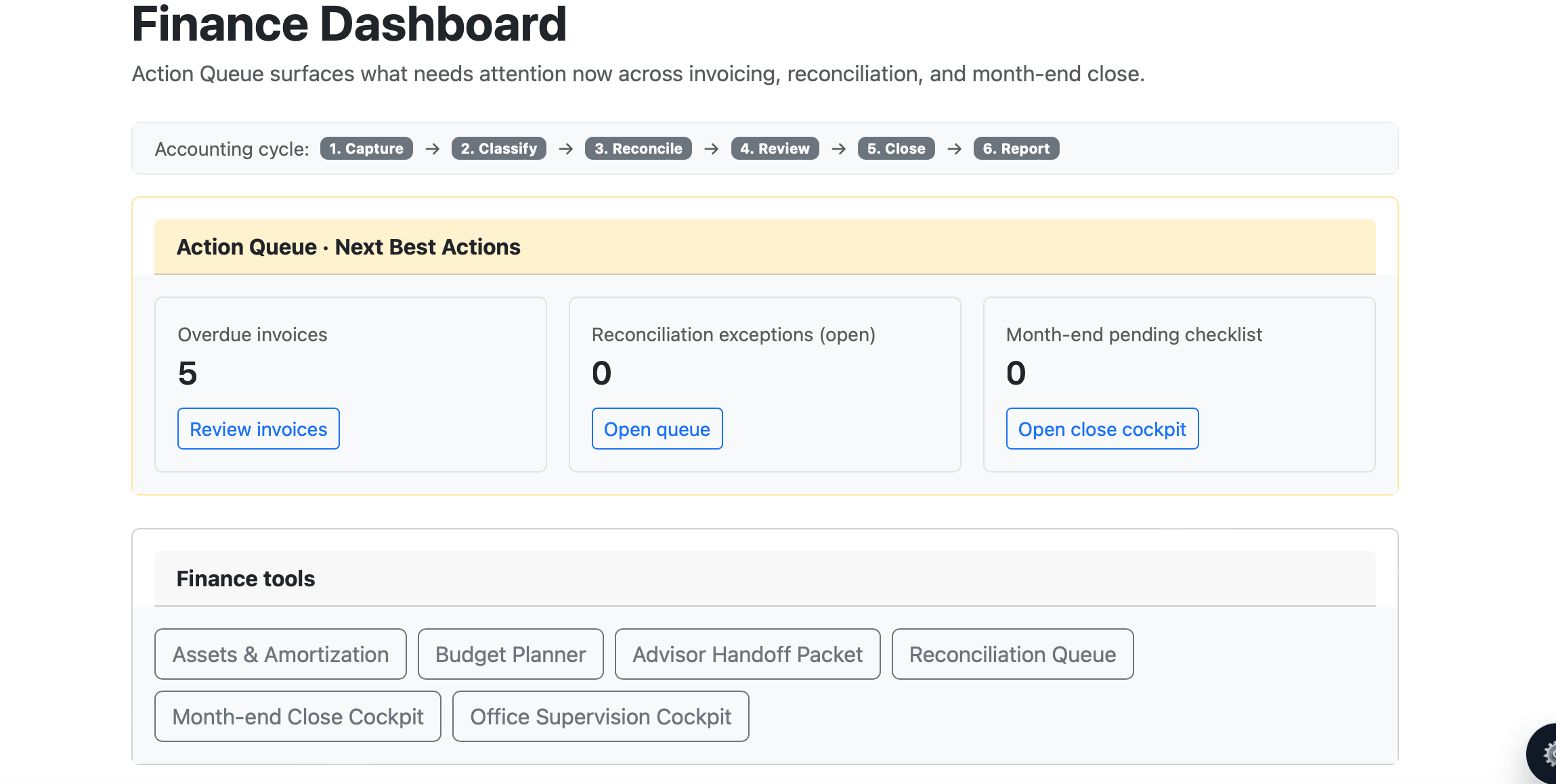
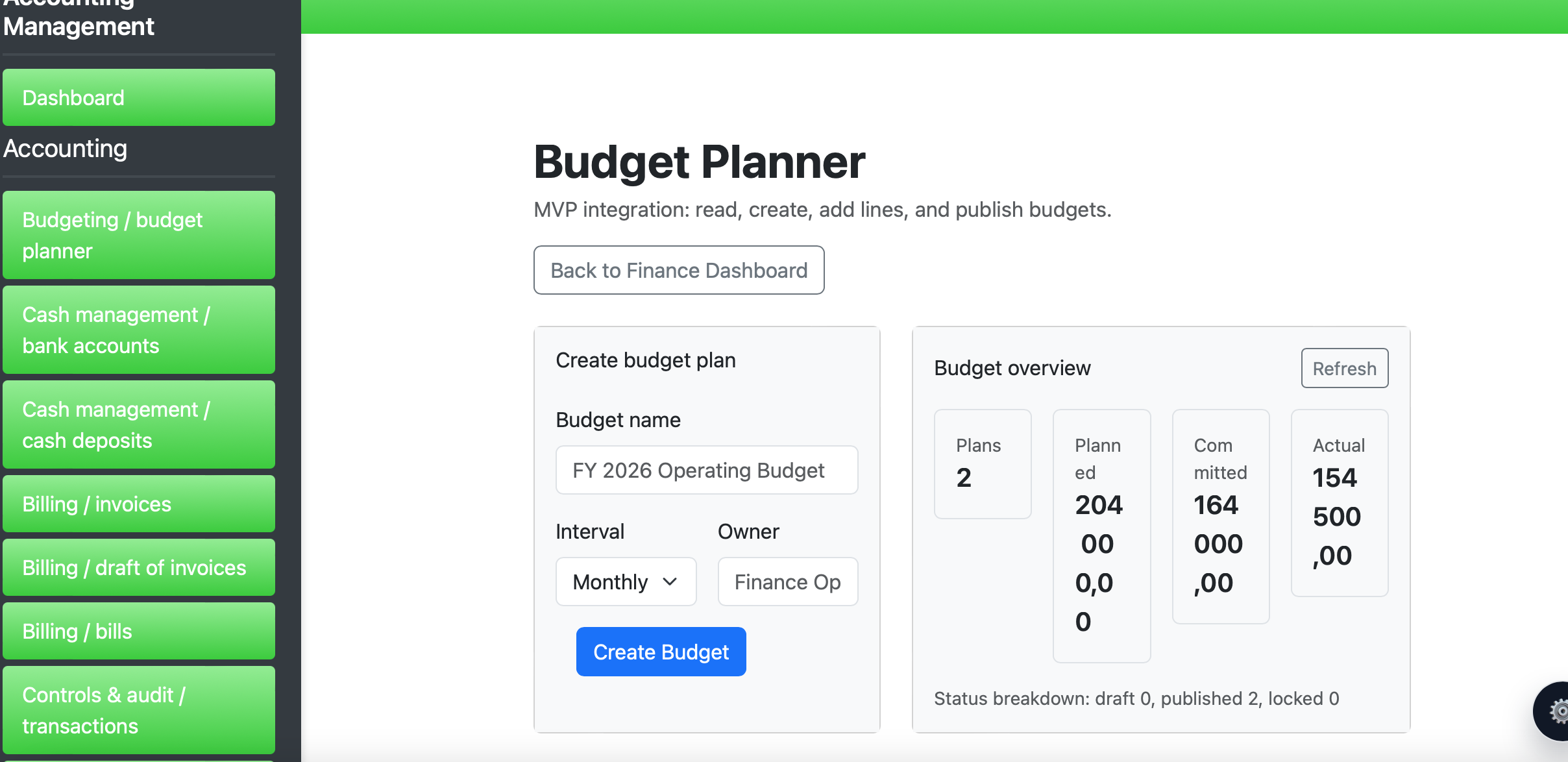
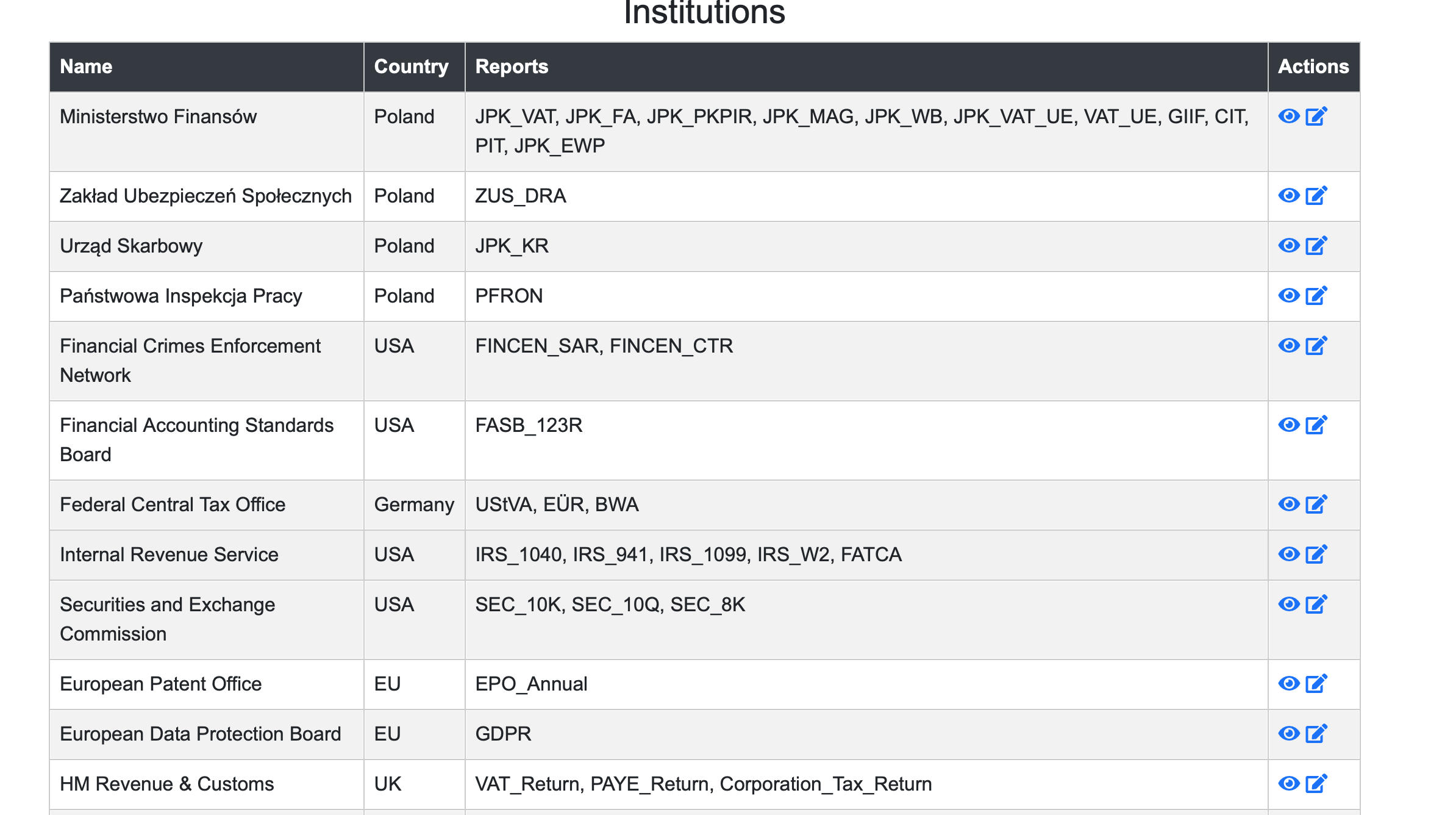
Product screenshots
These current product screenshots anchor the solution story in existing Robo Meister modules while the pilot maps the first workflow.
Works with current stack
Keep your current systems of record. Robo Meister starts as the workflow layer around the queue, documents, approvals, and handoffs that are currently scattered.
Before / after
Before: scattered messages, documents, approvals, and spreadsheet status checks.
After: one mapped workflow with accountable owners, visible exceptions, and a measured pilot outcome.
Best fit
Less ideal
FAQ
No. The first pilot maps one workflow around your current stack and identifies only the integrations needed for that workflow.
Bring one workflow, the people who touch it, where it stalls, and what outcome would prove the pilot worked.
Success is defined as a visible workflow map, a working pilot queue, and an agreed metric such as less chasing, faster review, or fewer missed handoffs.
Boundaries
Bring one current workflow, the owner, where it stalls, and the outcome you want to improve.