Robo Meister · Port logistics operations hub

Forwarders, brokers, and drayage teams

Save detention, demurrage, and rework money before containers miss the next move.

One graph connects container, B/L, truck, and customs context so every ETA change, free-time clock, and document blocker has an owner and next action.

Command Center

What Command Center can do here

Type a natural command. Robo Meister resolves the relevant modules, workflows, context, missing fields, and safe next step for this solution.

Dynamic action
“Book unloading slot for container ABC123”
Detects

container, shipment, slot calendar, gate availability

Result

Slot booking preview or workflow.

Dynamic actionPreviewOperations
Workflow
“Request missing customs documents”
Detects

shipment, required documents, missing files

Result

Document request workflow.

WorkflowDocumentsMissing fields
Queue / insight
“Show delayed shipments”
Detects

shipping statuses, ETAs, risk rules

Result

Delay queue.

QueueRiskContext-aware

Command Center examples describe module-, workflow-, and context-resolved actions. Execution depends on configured permissions, available data, and review gates.

Simple mental model

Controlled execution around the tools you already use.

Robo Meister adds a controlled execution layer around existing business tools. Start with one workflow, prove the result, then expand through packages, apps, APIs, and marketplace channels.

Connector

Connect the existing system, document source, event, or API that starts the workflow.

Execution layer

Robo Meister controls owners, approvals, exceptions, evidence, and human review.

Expansion paths

After one proven workflow, expand through packages, apps, APIs, marketplace, Store, or partner channels.

Section 1 · Pain

Port logistics is an orchestration problem, not a static status page.

Calibration

Like a robot cell that loses calibration between sensors, port teams lose money when container, B/L, truck, and customs state drift apart. The orchestration problem is aligning the graph before the next move is wrong.

Free Time Limits

Free-time clocks behave like runtime constraints in robotics: the deadline is real, but each event can change the safe action window. The hub keeps the countdown tied to ownership and evidence.

Reprogramming after ETA change

When ETA changes, the route must be reprogrammed without breaking the rest of the cell: appointment, driver, document check, yard plan, and customer update move together.

Section 2 · Packs

Add packs around the same operating graph.

Port Application

Active

Canonical Port solution package for container context, visibility, free-time countdowns, ETA events, and cost forecast actions.

For whom
Forwarders, brokers, and drayage teams piloting one Port solution for container visibility, ETA changes, free-time countdowns, and cost forecast.
KPI improved
Reduce detention, demurrage, and status-chasing cost per container from one active Port solution.

Provides

port.container.contextcontainer.idcontainer.etabl.numberfree_time.startfree_time.endcost.forecast

Requires

base.graph base.event
View active pack

Drayage Orchestration

Coming Soon

Coming-soon port pack for port slot selection and transport assignment updates across drayage workflows.

For whom
Drayage dispatchers and forwarders coordinating terminal appointments, driver availability, and pickup windows.
KPI improved
Reduce appointment rework after ETA or free-time changes.

Provides

drayage.slotdriver.assignment

Requires

port.container.context
Join waitlist

Compliance Automation

Coming Soon

Coming-soon ISF 10 plus 2 and CBP entry rule pack for port compliance readiness checks.

For whom
Customs brokers and import operations teams checking ISF 10 plus 2 and CBP entry readiness before dispatch.
KPI improved
Reduce document holds found after a truck has already been planned.

Provides

compliance.isfcompliance.cbp

Requires

port.container.context
Join waitlist

Risk & Exception

Coming Soon

Coming-soon risk and exception pack for scoring port workflow risk and routing operational exception queues.

For whom
Forwarders, brokers, and drayage managers who need a shared queue for high-risk containers and cross-team exceptions.
KPI improved
Reduce unmanaged high-risk containers before free time, dispatch, or compliance deadlines are missed.

Provides

risk.scoreexception.queue

Requires

port.container.context drayage.slot driver.assignment compliance.isf compliance.cbp
Join waitlist

Section 3 · How it works

Graph → Event → Rule → Action.

Graph Event Rule Action

The category is the matcher, not the label: a container update, B/L blocker, truck appointment, or customs event is matched to the graph state and rule context before Robo Meister proposes the next safe action.

Section 4 · Starting market

We start where one team can fix the money leak.

The first target is forwarders, brokers, and drayage teams moving 20 to 200 containers per month — not a broad public infrastructure transformation program.

Pain points

What slows the team down today?

Container, B/L, truck, and customs context are split when money is lost.
Free-time clocks are recalculated manually after schedule changes.
Dispatch and broker updates happen after the customer or carrier chases.

What changes with Robo Meister

A conversion path from pain to pilot.

One visible queue

Owners, documents, tasks, approvals, and handoffs sit in the same workflow context.

Exception-first rollout

The pilot starts with the exception path that creates delay, rework, or customer chasing.

Human-controlled automation

Automation assists routing and evidence while reviewers keep responsibility for decisions.

Sample workspace / pilot preview

What the pilot workspace can show.

Intake lane

New requests arrive with source, priority, owner, and required context.

Review lane

Exceptions and approvals show the reviewer, evidence, and next action.

Handoff lane

Completed work moves with a concise audit trail and follow-up owner.

What the pilot delivers

Pilot the mapped workflow before expanding.

  • Workflow map with trigger, owner, exception path, and success metric.
  • Pilot workspace preview with sample queue, review steps, and handoff states.
  • Expansion recommendation covering what to automate, integrate, or leave manual next.

Product screenshots

See the closest existing workspace fit.

These current product screenshots anchor the solution story in existing Robo Meister modules while the pilot maps the first workflow.
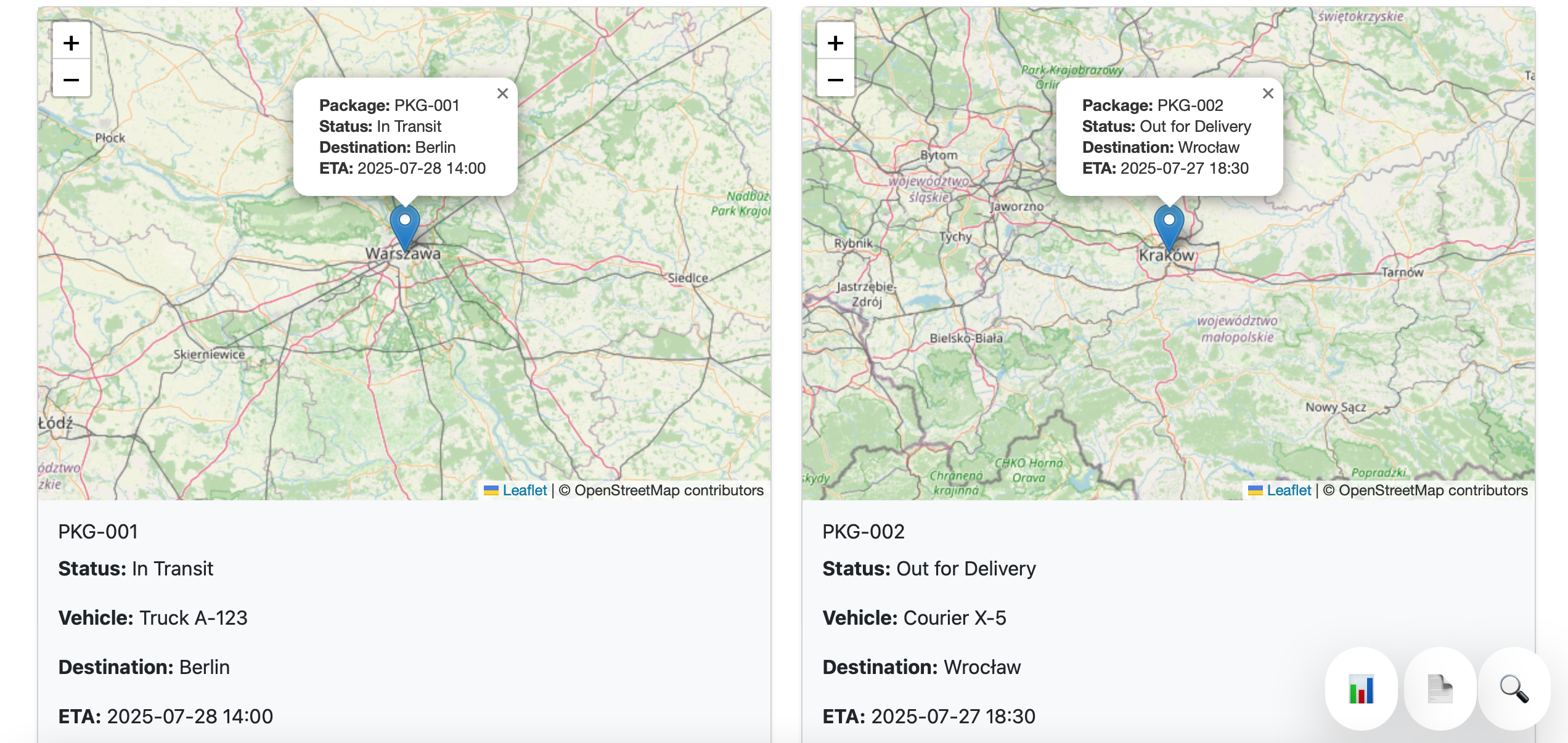
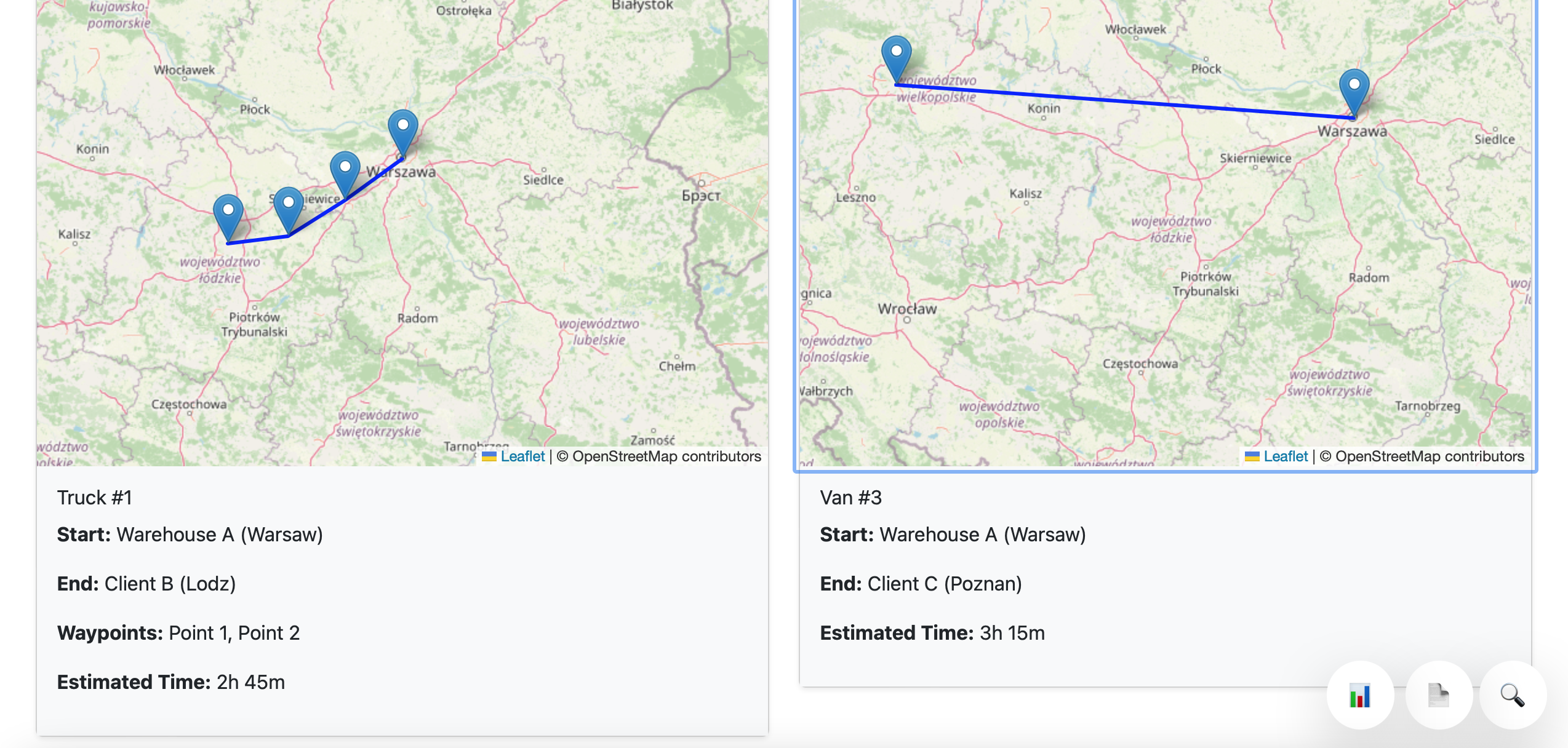
Package tracking dashboard for port operations
Package tracking and gate status context.
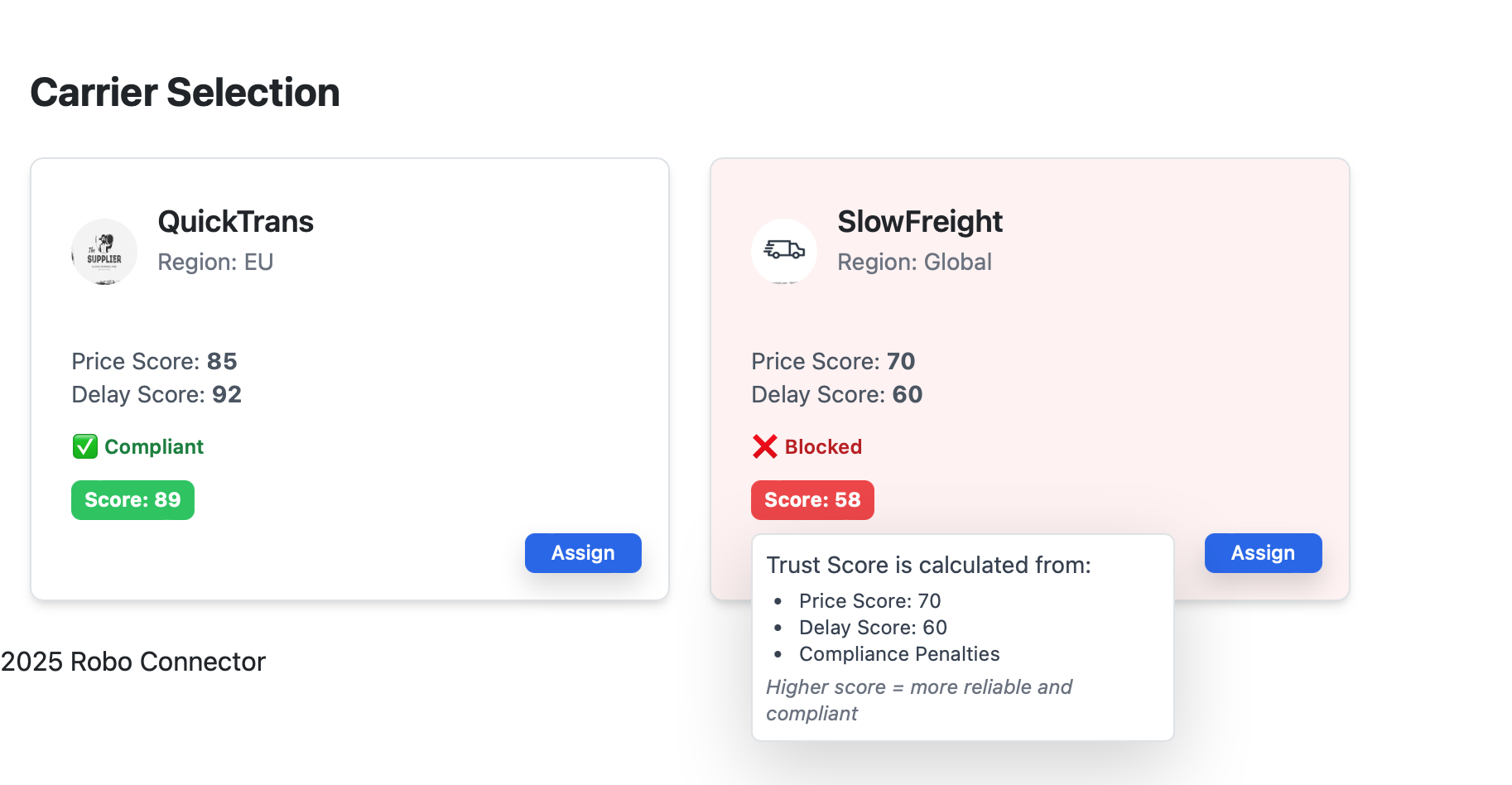
Carrier selection screen for logistics operations
Carrier selection and handoff workflow.
Route plans screen for port logistics
Route planning and disruption response.

Works with current stack

No forced rip-and-replace for the first workflow.

Keep your current systems of record. Robo Meister starts as the workflow layer around the queue, documents, approvals, and handoffs that are currently scattered.

Before / after

Before

Before: scattered messages, documents, approvals, and spreadsheet status checks.

After

After: one mapped workflow with accountable owners, visible exceptions, and a measured pilot outcome.

Best fit

  • A team can name one workflow that causes delay or rework today.
  • There is a clear business owner who can approve the pilot boundary.
  • The team wants proof from a guided pilot before a broad rollout.

Less ideal

  • The team expects a complete system replacement before mapping the workflow.
  • No owner is available for decisions, exceptions, or adoption.
  • The use case requires autonomous regulated decisions without human review.

FAQ

Do we need to replace our current tools?

No. The first pilot maps one workflow around your current stack and identifies only the integrations needed for that workflow.

What should we bring to the first call?

Bring one workflow, the people who touch it, where it stalls, and what outcome would prove the pilot worked.

How is success measured?

Success is defined as a visible workflow map, a working pilot queue, and an agreed metric such as less chasing, faster review, or fewer missed handoffs.

Boundaries

Clear safety and compliance boundaries.

  • Robo Meister coordinates port logistics workflows for forwarders, brokers, and drayage teams; it does not replace customs, terminal, carrier, or safety systems.
  • Regulated decisions remain with authorized operators, brokers, carriers, and agencies.

Start with the container visibility case, then add packs as the graph proves value.

Bring one lane, monthly container count, free-time rules, and the handoff that creates detention, demurrage, or rework cost.